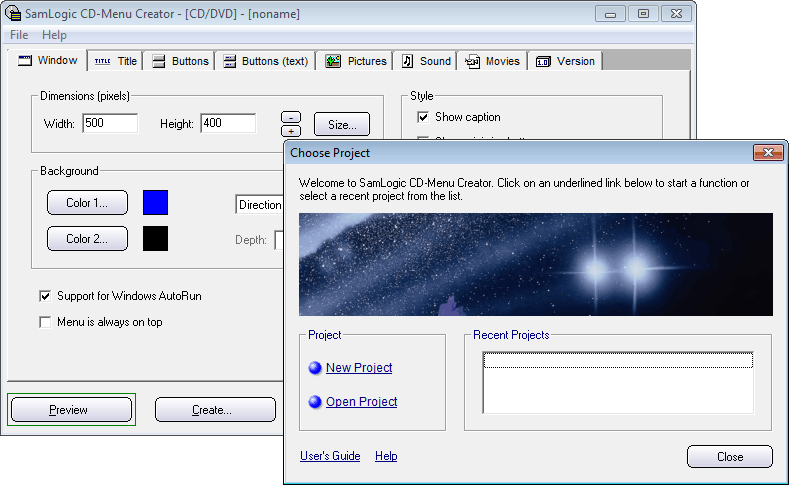
| When you
start the CD-Menu Creator editor the screen below will be shown
at start. In the Choose Project window you can choose to
create a new project or open an existing project. We will create
a new project, so you can click on the New Project option
(the New Project link in the
Project frame). |