SamLogic CD-Menu Creator
2022 - The Visual Menu Editor

The visual editor in
SamLogic CD-Menu Creator is very intuitive
and easy to use. You can create a menu very quickly and have a complete
CD menu, DVD menu or USB flash drive menu, with graphics, buttons, sound and movies,
ready in only
10 minutes! Below you find some screen dumps from the visual environment.
Window and Background
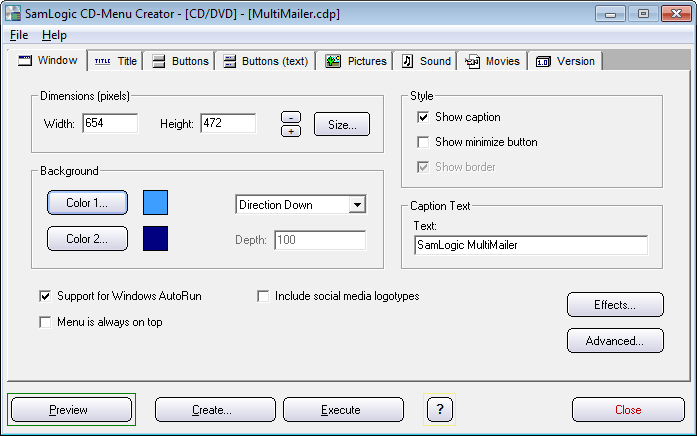
The background
can contain of one color, be color blended, have a picture or a
have a graphic pattern. The menu can be shown with a caption (title
bar) or without one. You can also instruct the menu to be always
on the top, even when it's inactive. A menu can also be partial
transparent or fade in the screen from nowhere.
|
Title
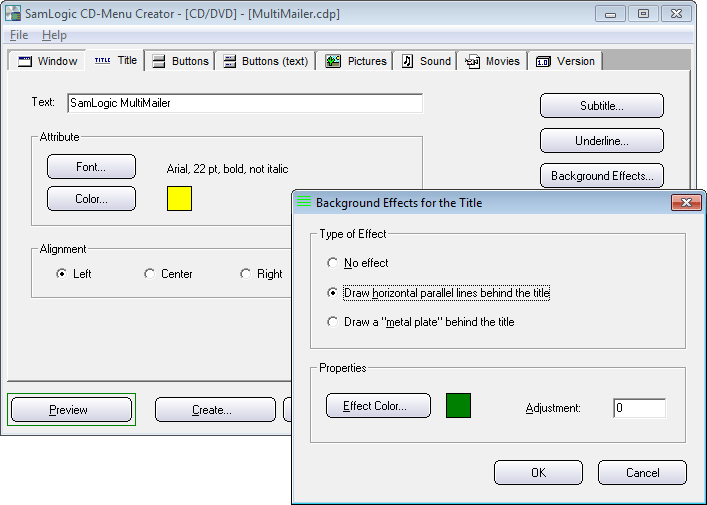
You can add
a title and a subtitle to your menu interface very easily. You can also add
different effects to the title, for example underline and background
effects.
|
Buttons (Commands
and Text)
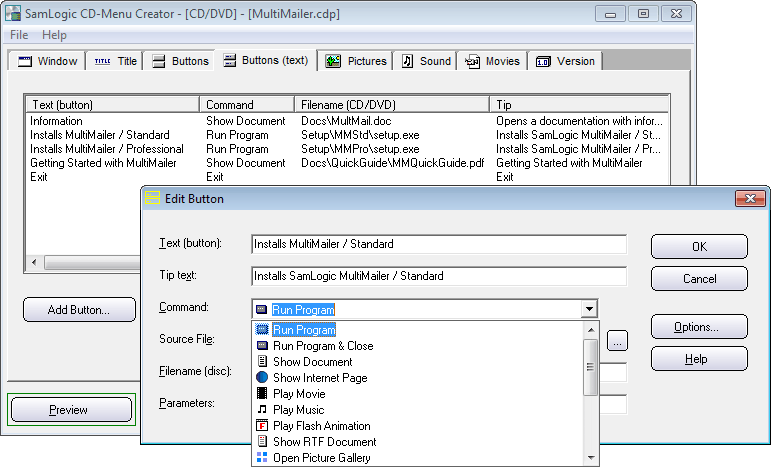
All buttons
that are included in a menu is shown in a list. In this list you
can add buttons, edit buttons, delete buttons, move buttons and
copy buttons. You can set unique properties to every button; for
example button text, tip text, command, file path, button color,
sound etc. You can also password protect a button.
|
Buttons (Appearance
and Position)
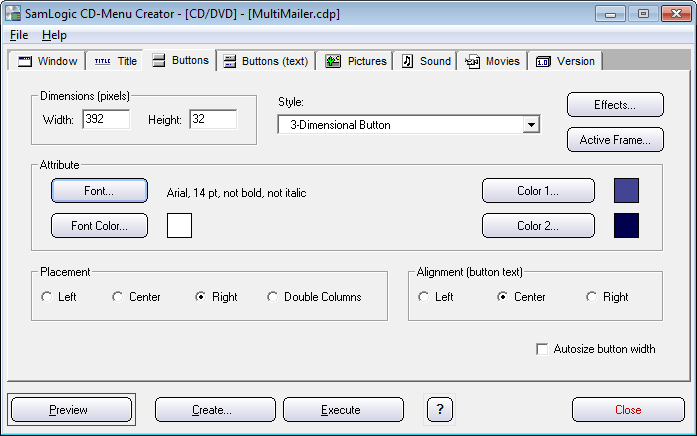
The buttons
and clickable links in a menu can be shown in a lot of different
styles.
For example they can
be text only, be framed text, use 3D effects, use glass effects,
be in a metallic style, be color blended between two colors, or
contain a bitmap picture. You can also add shadow effects to the
buttons and create rollover effects.
|
More Information
 Examples
of menus created with CD-Menu Creator 2022 Examples
of menus created with CD-Menu Creator 2022
Step-by-Step
Guide - Video: shows how easy it is to create a basic menu with CD-Menu
Creator
User's Guide - CD-Menu Creator
2022 (PDF)
|
|