
Portable applications – also called portable apps – are small programs that do not require an installation in a computer before they are run; instead they are run directly from a removable drive, for example a USB flash drive. A portable application is usually a utility program, for example a text editor, email client, web browser, antivirus software, backup software, system tool etc, but can also be a game or something else.
One of the biggest advantages using portable apps is that the system itself (for example the Windows Registry) is not affected. All settings are stored in a local folder on the storage device, although there sometimes can be exceptions from this behaviour and some settings can be stored on the computer’s hard disk.
AutoRun menu for your portable applications
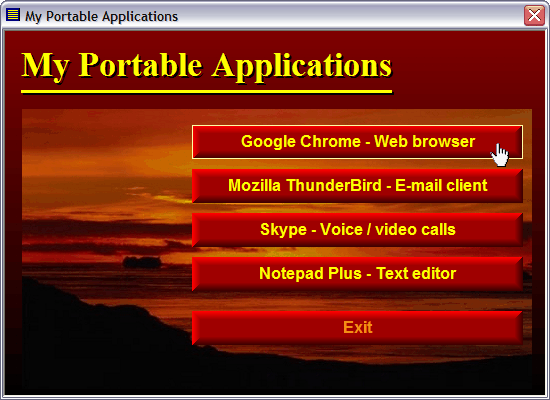
If you use our AutoRun tool USB AutoRun Creator in concert with our menu designer tool CD-Menu Creator you can create a menu interface for your portable applications that is automatically opened when the USB stick is inserted into a computer’s USB port – a so called AutoRun menu. This menu interface lets you quickly and easily start a portable app with just one mouse click. The picture in the top of this blog post shows how a menu interface for portable applications can look like. If you press on one of the buttons in the menu, the portable program is launched immediately.
More information
If you want to read more about USB AutoRun Creator, CD-Menu Creator and portable applications, click on the link below:
 In our e-mail tool
  The video is best viewed in a quality of 480p. You can change the quality of the video by clicking on the symbol shown to the right in the video window (when video is playing). You can also view the video directly on
  In
In 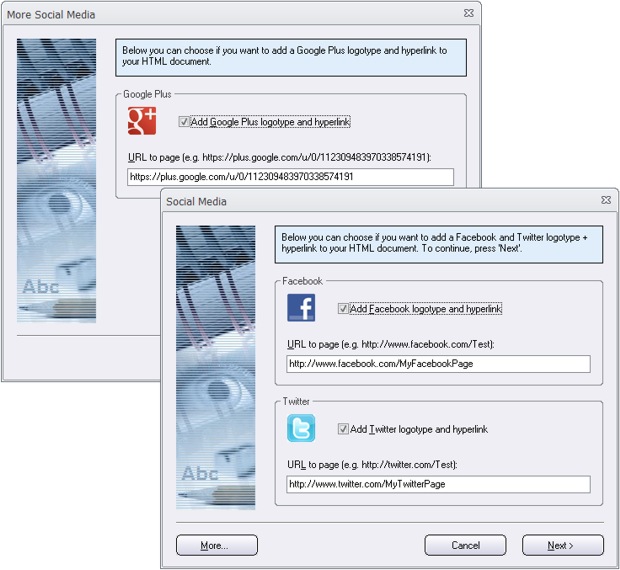
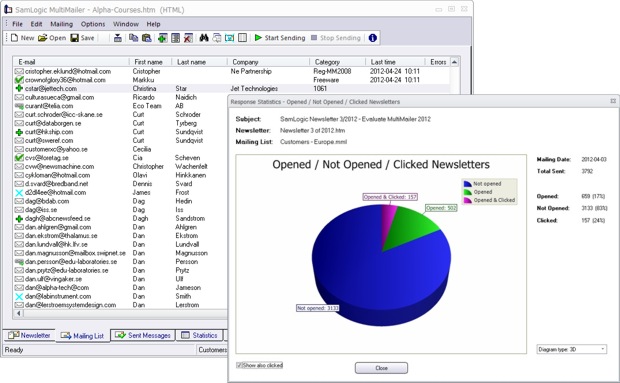
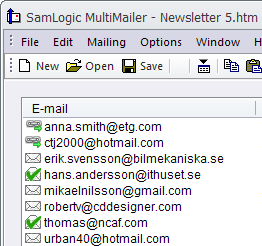 View the information directly in the program
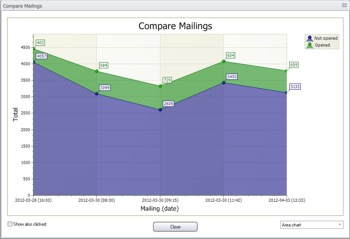 What is the trend?
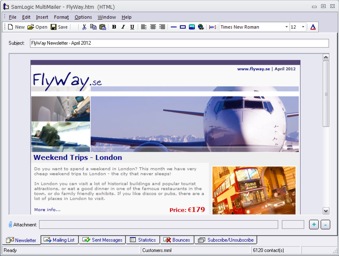 We have now released a new version of our e-mail marketing software
  Also the newsletter wizard in the program has been improved. The newsletter wizard now supports Google+ (you can add a Google+ logotype to your newsletter that opens your Google+ page), more header pictures have been added, and you can choose a background (the area outside the outer frames of the newsletter) that fades between two colors. This allows you to create more stylish newsletters.