

The answer is: Yes, it is possible.
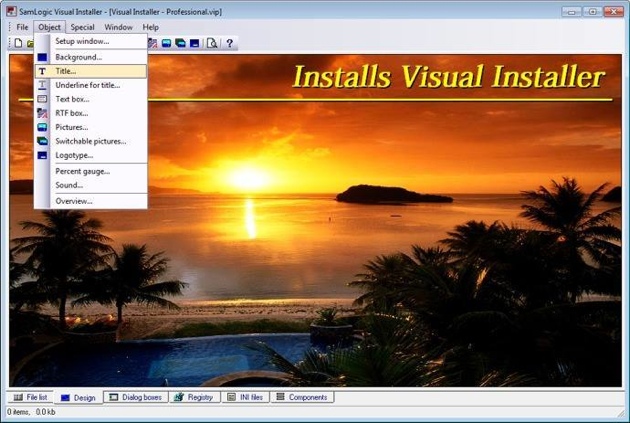
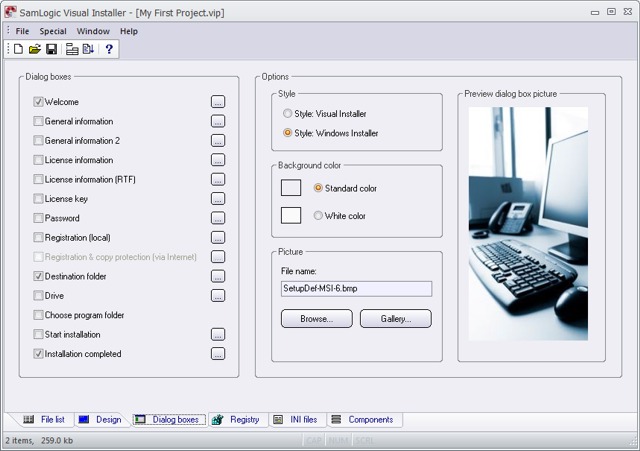
With the installation tool SamLogic Visual Installer you can create a simple installer with no or very little user interaction. You can turn off all setup dialog boxes, or maybe leave one information dialog box visible that informs the user that this is an installation. The rest of the installation can be run silently, with no dialog boxes and no user interaction. If the user chooses to run the installation directly on the webpage instead of saving it, the installation will be made very smoothly. By creating a self-extracting setup file (one single compressed EXE file) the user only need to download one file, and only click on one file, to start the installation.
Code sign your setup package
Sometimes the installation needs administrator privileges to install some files, and Windows will ask the user for permissions to install, but if you code sign your setup package also this will be a smooth process. Read more in these two web pages:
> What is Code Signing / Digital Signature / Digital Certificate? (Q&A)
> Visual Installer – Can create a code signed setup package
More information
> Tip: How to create a silent installation
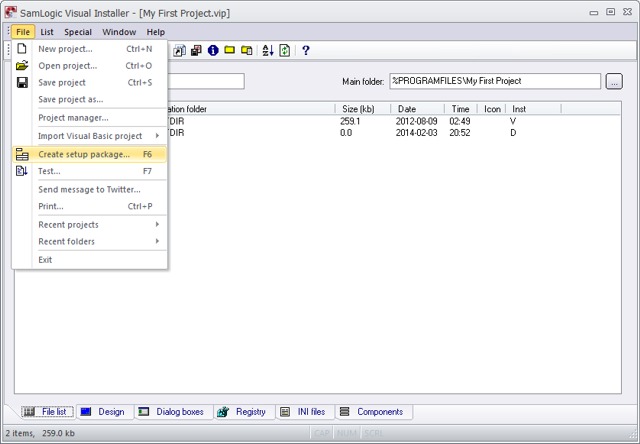
> Tip: How to create a self-extracting setup
 It is possible to create setup packages where one installation is completed before the next one starts, but this can normally be tricky to achieve. But with the new script command MSIEXEC that we have added to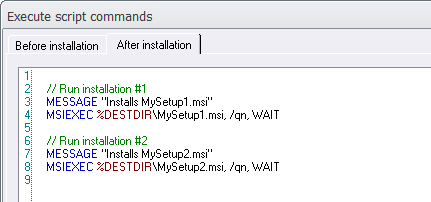
 More information about MSIEXEC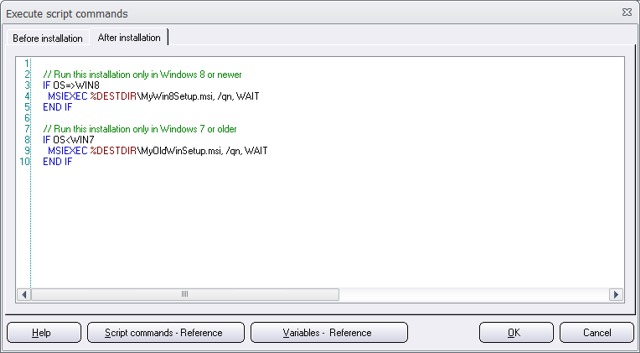
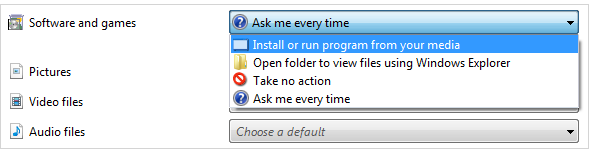
 Since Windows 95 all versions of Windows has supported the AutoRun technology. This technology allows programs and menu interfaces, that are distributed on CDs and DVDs, to be opened automatically when the disc is inserted in the computer’s drive.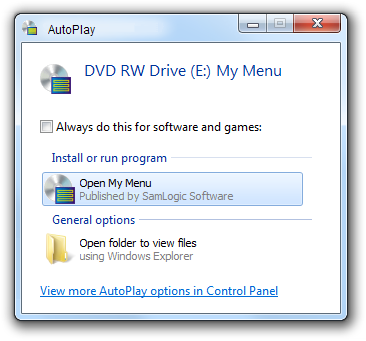





 All of SamLogic’s programs, and other tools, are now adapted to the new Microsoft Windows 8.1. But the software also work fine with Windows XP, Windows Vista, Windows 7, and some other older operating systems. If you want more information about a specific product, you can click on a link below: